
初始化插件项目
-
在任意目录新建一个插件目录,我这里在
/pkg/vuepress-plugin-simple-encryptmkdir /pkg/vuepress-plugin-simple-encrypt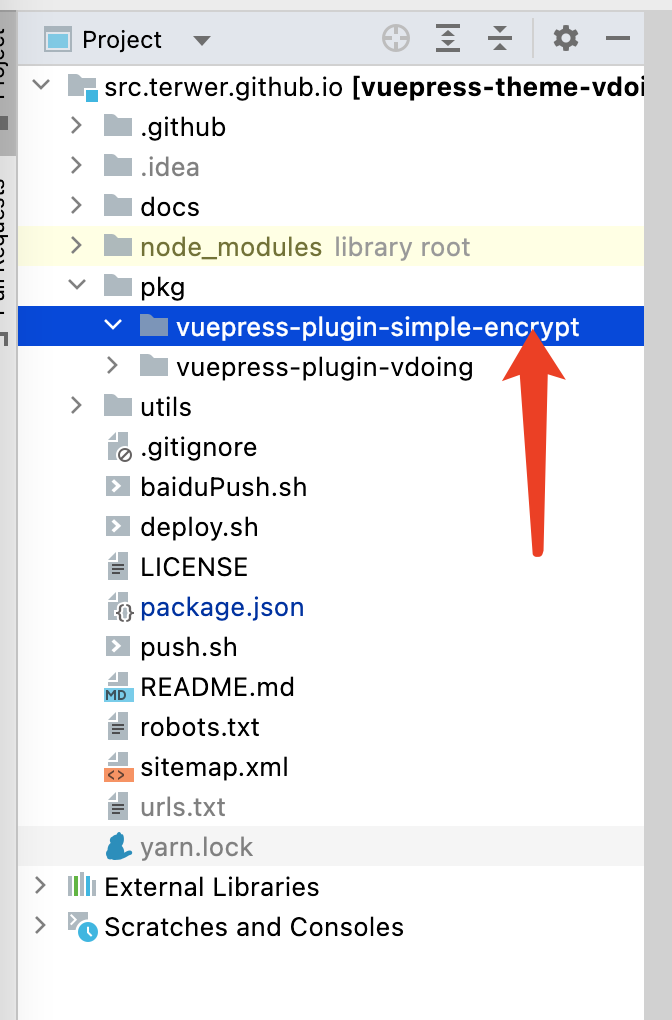
image-20220424215029271 -
进入该目录,初始化项目
yarn init输入插件名
vuepress-plugin-simple-encrypt,入口文件名index.js,其他选项对应填写即可。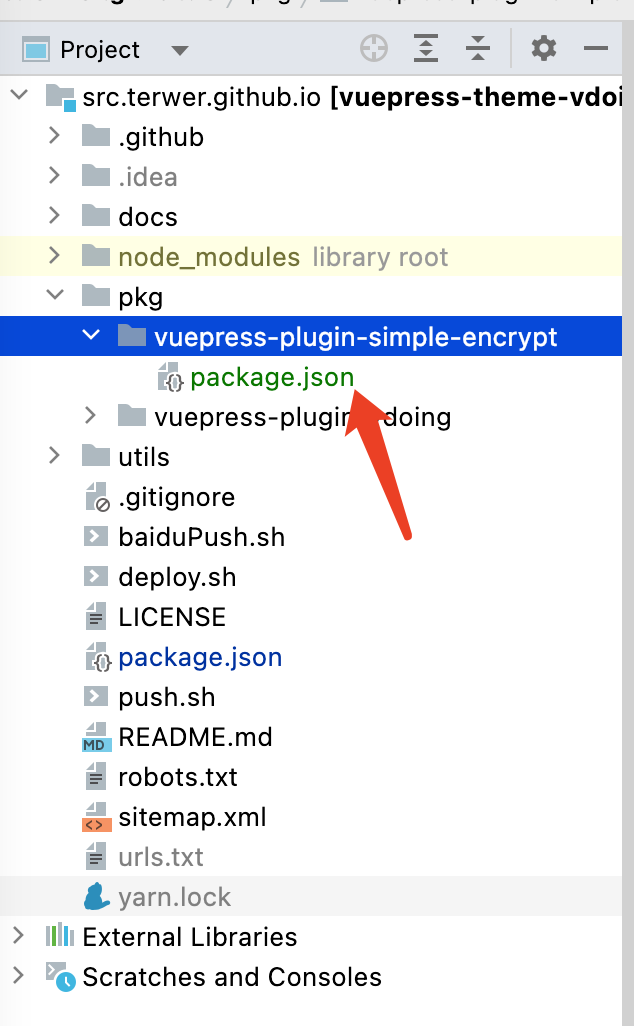
image-20220424215319909 初始化之后,package.json 的文件内容:
{ "name": "vuepress-plugin-simple-encrypt", "version": "1.0.0", "description": "a simple encrypt and decrypt for vuepress", "main": "index.js", "scripts": { "test": "yarn test" }, "repository": { "type": "git", "url": "git+https://github.com/terwer/vuepress-plugin-simple-encrypt.git" }, "keywords": [ "encrypt", "decrypt", "vuepress" ], "author": "terwer", "license": "MIT", "bugs": { "url": "https://github.com/terwer/vuepress-plugin-simple-encrypt/issues" }, "homepage": "https://github.com/terwer/vuepress-plugin-simple-encrypt#readme" } -
编写入口文件
index.jsmodule.exports = (options, ctx) => { return { name: 'vuepress-plugin-simple-encrypt', async ready() { console.log('Hello World!'); } } } -
注入插件到
vuepress。在config.ts文件的插件节点加上我们的插件,注意使用相对目录目录[ require('../../pkg/vuepress-plugin-simple-encrypt'), // 主要用于文章部分加密 { } ] -
启动项目
yarn dev,正常情况可以看到输出Hello World
...大约 2 分钟