
release please 是一个来自于 Google 的自动发版工具,基于 Github Actions 可实现全自动发版。
官网:https://github.com/googleapis/release-please
上手
在项目根目录的 .github 的 workflows 里面新建一个 release-please.yml 文件,下面是一个标准的 node 项目的标准配置:
...大约 2 分钟
release please 是一个来自于 Google 的自动发版工具,基于 Github Actions 可实现全自动发版。
官网:https://github.com/googleapis/release-please
在项目根目录的 .github 的 workflows 里面新建一个 release-please.yml 文件,下面是一个标准的 node 项目的标准配置:
tab 按键,可以在命令之间选择zshenv 与 zshrc 的区别:zshenv 始终是 source 的,也就是说 一直生效 ,但是 zshrc 只是 活跃的 shell 生效 ,另外,zshrc 会 覆盖 zshenv 的设置。近期 git 更新了最新的 2.34.1 版本,好多小伙伴突然发现无法访问服务器。
git pull 的时候命令行会提示
git@git.xxxxx.com: Permission denied (publickey,gssapi-keyex,gssapi-with-mic,password).
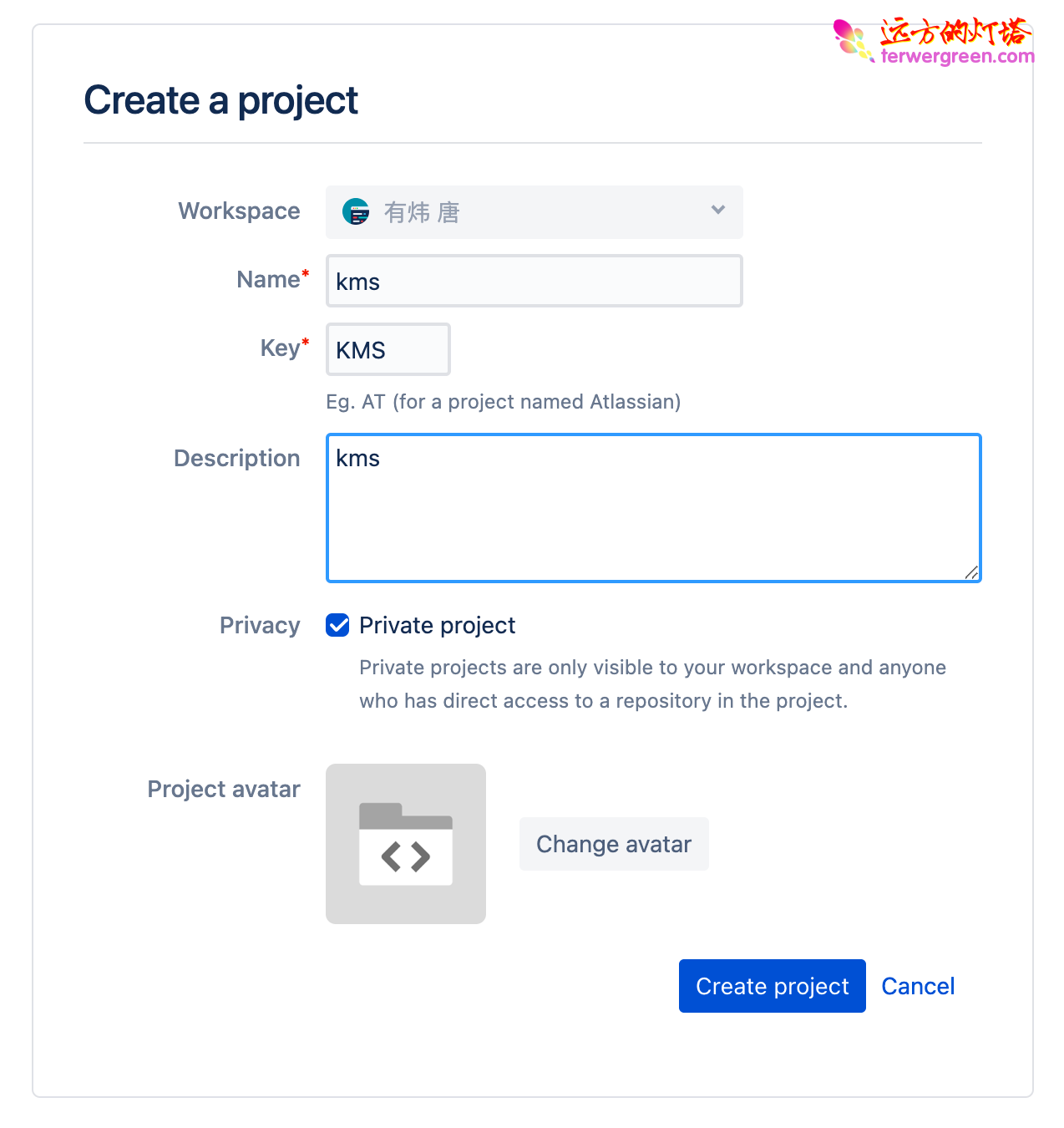
https://bitbucket.org/account/projects/create?workspace=youweics
打开Jira项目首页
https://youweics.atlassian.net/jira/projects
选择Create Project

WordPress只一个历史悠久用户友好的博客,并且还挺云端免费版本。但是访问速度比较慢,还好有了vercel,用CDN加速,就非常好了。说干就干。
yarn create next-app --example cms-wordpress cms-wordpress-app
方法如下:
dnf remove --oldinstallonly --setopt installonly_limit=2 kernel
https://mirrors.ustc.edu.cn/centos/7.9.2009/isos/x86_64/
前面的配置没什么好说的,不过有两个坑
1、不能选择自动设置,否则会直接卡在安装界面。